Keep unanswered quotes from slipping through.
Build a quote tracker, choose review dates and use AI to prepare follow-up emails you can check. Includes a worked example and a reusable prompt.
 Forge ProtocolPractical AI guides · Free with an accountPublished Updated How we make these guides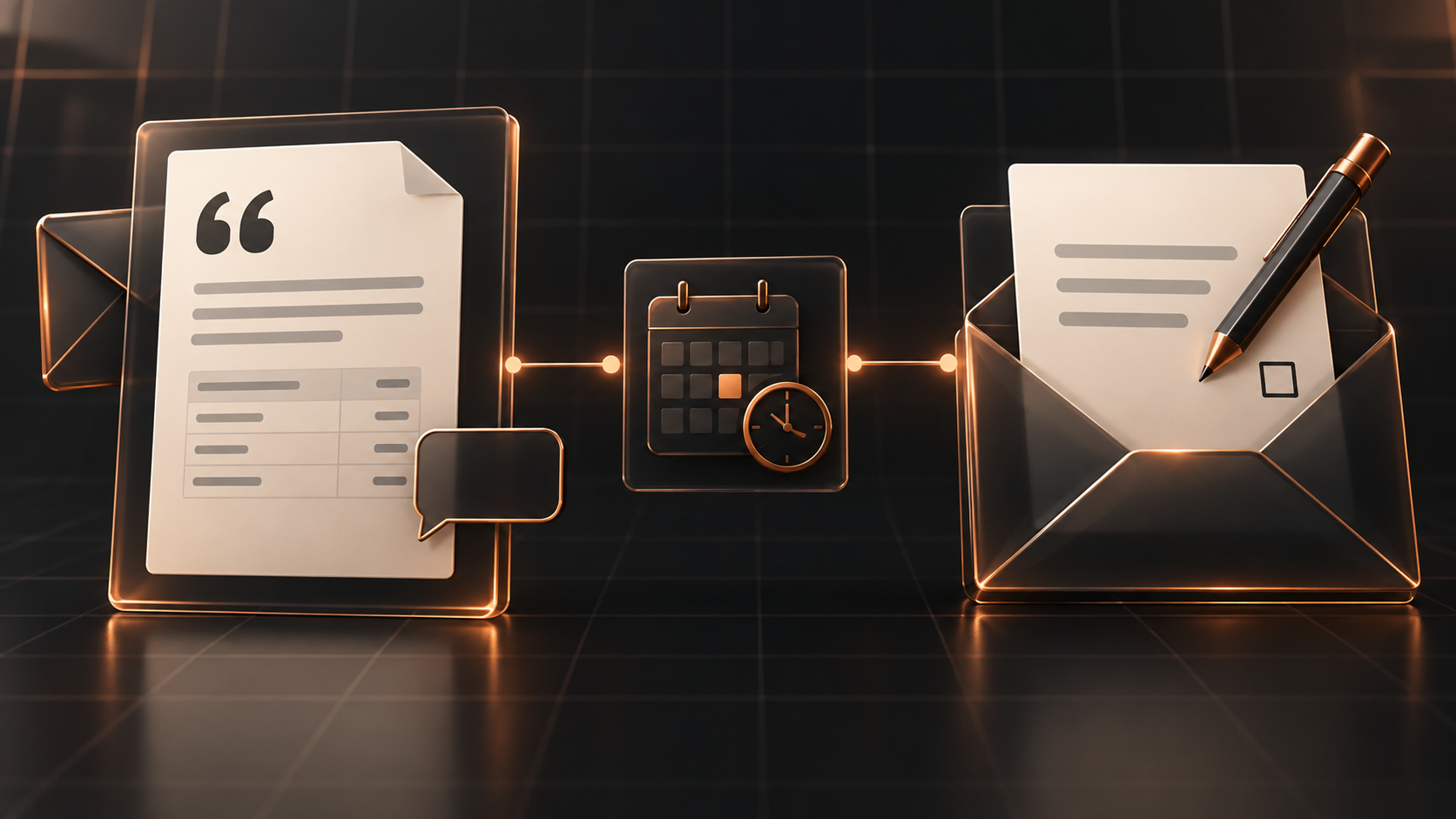
You sent the quote. A week later, there is still no reply, and the reminder is somewhere between your inbox and your head. Build a simple tracker, then prepare a follow-up you can check against the actual conversation.
Give each quote a next action
Before asking AI to write a follow-up, make it clear which quotes need attention and what you last agreed. The useful starting point is a next action someone owns.
Start with a small tracker: one row per quote, a link to the current version, the latest conversation, an owner and a next review date. The date is your decision. Use the customer’s stated timing and your own working process; a quiet inbox alone does not tell you when to chase.
For example, a customer might say they are reviewing proposals on 24 September. Record that context and choose a review date that respects it. If they have already asked a question, answering it is the next action. Another generic follow-up would miss the point.
Try this now: find one open quote and write its next action in a sentence. “Maya will check the latest thread on 25 September before deciding whether a reply is needed.” You have a useful task even before you introduce AI.
The conversation
What would you try?
Ask a question, share what worked, or add a useful perspective. Keep it kind and on topic.
Loading comments…